
UniFi network installation in Oakville, Mississauga, Burlington, Georgetown
Wi-Fi that reaches every room, a wired backbone that doesn’t drop out, and one controller for your whole network — designed, installed, and managed by Michael Scrivo of SMR Computer Services.
Plan your networkUbiquiti UniFi, installed & managed end to end
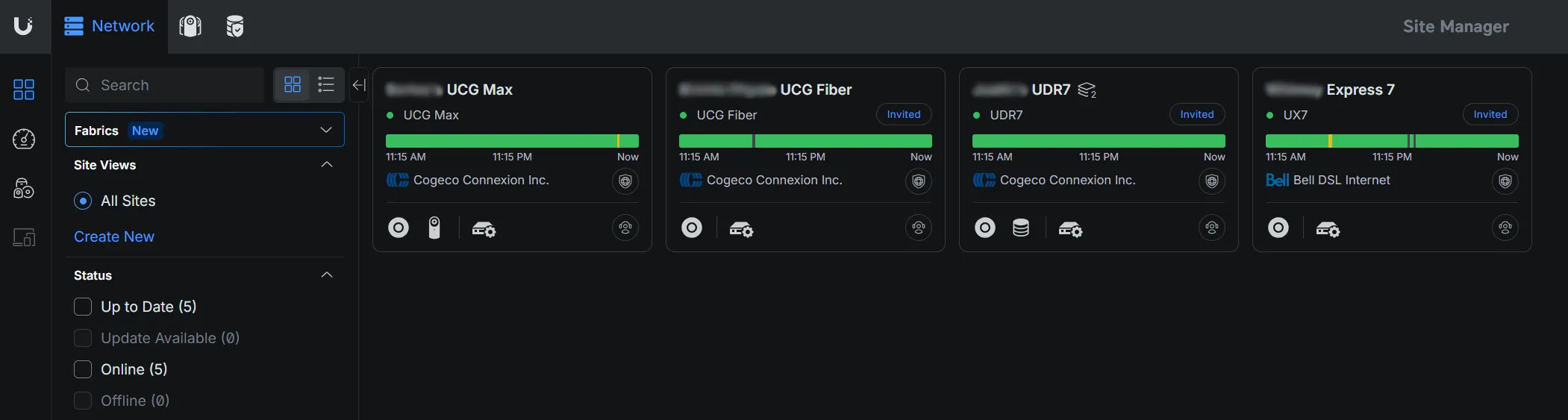
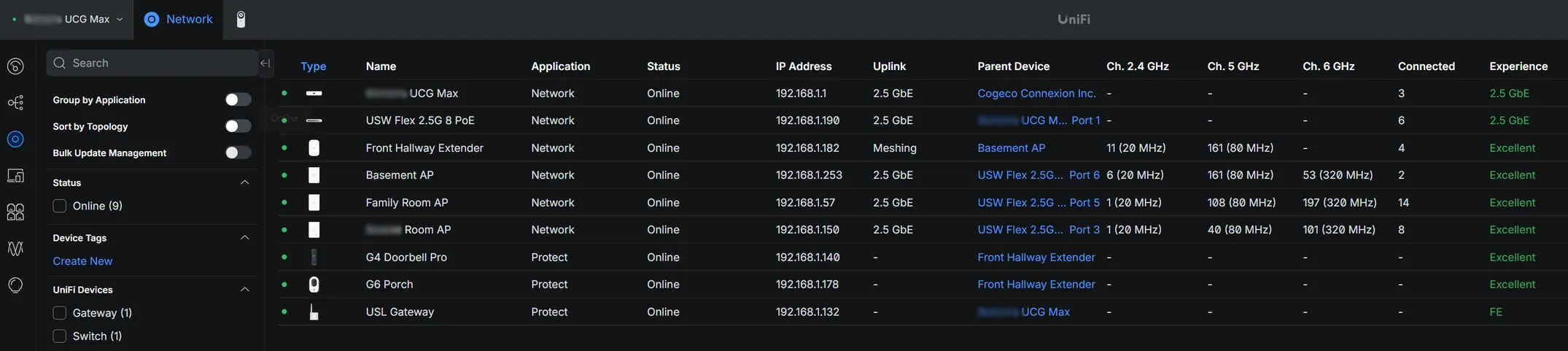
I design, install, and manage Ubiquiti UniFi networks -- from the gateway at your point of entry, to every access point on the premises. One controller for all of it: Wi-Fi, wired backbone, cameras, and doorbells.
- Coverage planning & professional placement
- Wired backbone & PoE switching
- Meshed Wi-Fi across the whole space
- Ongoing monitoring, updates & management
From walkthrough to a network you don’t think about
Walkthrough & coverage plan
I look at the space, where the internet comes in, and where you actually use Wi-Fi, then plan gateway, switch, and access point placement so every room gets a strong signal.
Install & wired backbone
Gateway, PoE switching, and access points go in, with a wired backbone wherever it’s practical, so Wi-Fi only carries the last hop.
Configure & test
Networks, Wi-Fi, guest access, and any cameras or doorbells are set up on a single UniFi controller, then tested room by room.
Ongoing management
If you’d like, I keep an eye on it afterwards — monitoring, firmware updates, and changes — from the same dashboard I use for every site I manage.
Common questions
Which areas do you serve?
Homes and small businesses across Halton and Peel, including Oakville, Mississauga, Burlington, Georgetown.
Is UniFi just for businesses?
No. UniFi works just as well in a house as in an office. It’s a good fit anywhere a single router can’t cover the whole space, or where you want Wi-Fi, cameras, and doorbells managed in one place.
Can you add cameras and a doorbell to the same system?
Yes. UniFi Protect cameras and doorbells run on the same controller as your network, so everything is viewed and managed from one app.
What happens after the install?
You get a network that’s documented and explained in plain language. I can also manage it on an ongoing basis — monitoring, updates, and changes as your needs grow.
Have a project in mind?
Tell me what you’re trying to do and I’ll get back to you with honest advice and a clear next step. Serving the Halton & Peel Region (Oakville, Mississauga, Burlington, Georgetown).
Email info@smrcomputers.caPrefer to write it out? Send the details and I’ll follow up promptly.